
Instagram is one of the most popular social media platforms in the world today. With over 1 billion active users, it offers a great opportunity for individuals and businesses to showcase their products, services, and personal brand. One of the best ways to make your Instagram profile stand out is by using icons for your story covers. In this article, we will be discussing how to use Instagram story cover icons to make your profile stand out.
What are Instagram Story Cover Icons?
Instagram story cover icons are small images that you can use to label and organize your Instagram story highlights. These icons are placed on top of your Instagram profile and are a great way to showcase your brand's identity or theme. You can create your own icons or use pre-made ones that are available online.
How to Create Your Own Instagram Story Cover Icons
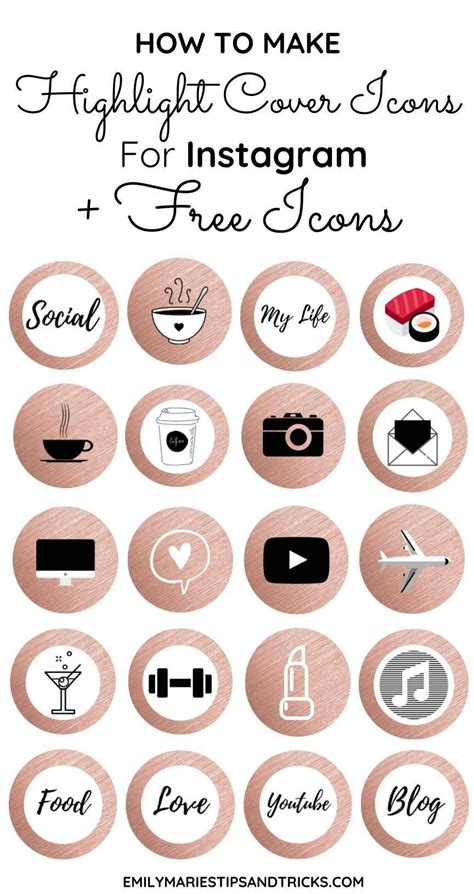
If you want to create your own Instagram story cover icons, there are several things that you need to consider. First, you need to decide on the theme or style that you want to use. This could be anything from a specific color scheme to a particular set of images or icons.
Once you have decided on the theme, you can start creating your icons. There are several ways to do this, including using graphic design software like Adobe Illustrator or Canva, or using online tools like Iconfinder or Flaticon. You can also create your icons using your phone's camera or by drawing them by hand.
When creating your icons, make sure that they are consistent in style and size. This will make your profile look more organized and professional. You should also consider using a transparent background so that your icons blend well with the background of your profile.
Where to Find Pre-Made Instagram Story Cover Icons

If you don't want to create your own Instagram story cover icons, there are several websites that offer pre-made icons that you can use. Some of the most popular websites for Instagram story cover icons include Iconfinder, Flaticon, and Creative Market.
When using pre-made icons, make sure that they are consistent in style and size. You should also choose icons that are relevant to your brand or theme. This will make your profile look more cohesive and professional.
How to Add Instagram Story Cover Icons to Your Profile
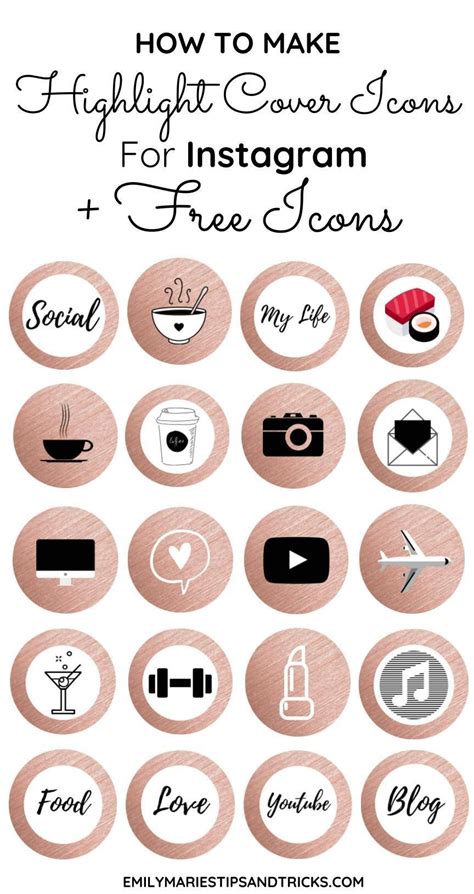
Adding Instagram story cover icons to your profile is easy. First, you need to create your story highlights. To do this, go to your Instagram profile and tap on the '+' button under your bio. Select the stories that you want to add to your highlights and tap 'Next'.
Next, you need to choose a cover for your highlights. Tap on the 'Edit Highlight' button and then select 'Edit Cover'. Choose the icon that you want to use as your cover and then tap 'Done'.
If you are using pre-made icons, you can upload them to your Instagram profile by using the 'Add Cover' option. Simply select the icon that you want to use and then tap 'Done'.
Tips for Using Instagram Story Cover Icons
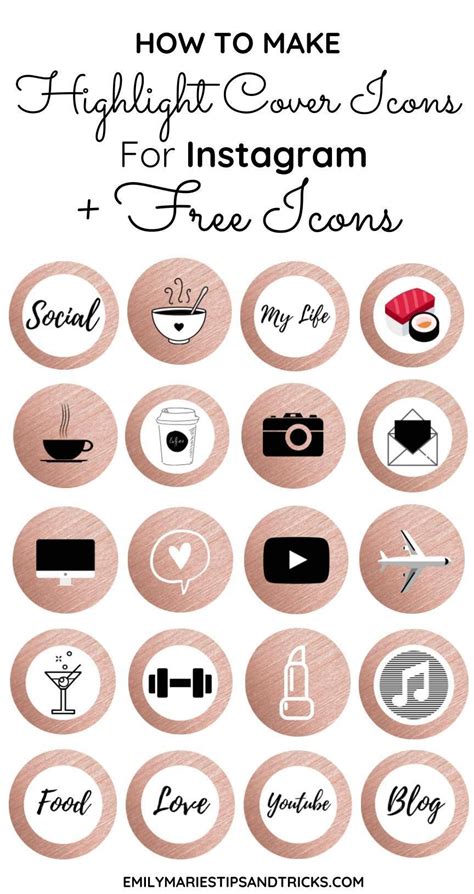
Here are some tips for using Instagram story cover icons to make your profile stand out:
- Choose icons that are relevant to your brand or theme.
- Use consistent colors and styles for your icons.
- Make sure that your icons are easy to read and understand.
- Consider using custom icons that reflect your brand's personality.
- Update your icons regularly to keep your profile fresh.
Conclusion
Instagram story cover icons are a great way to make your profile stand out and showcase your brand's identity. Whether you choose to create your own icons or use pre-made ones, make sure that they are consistent in style and size. By following these tips, you can create a profile that is both organized and professional.